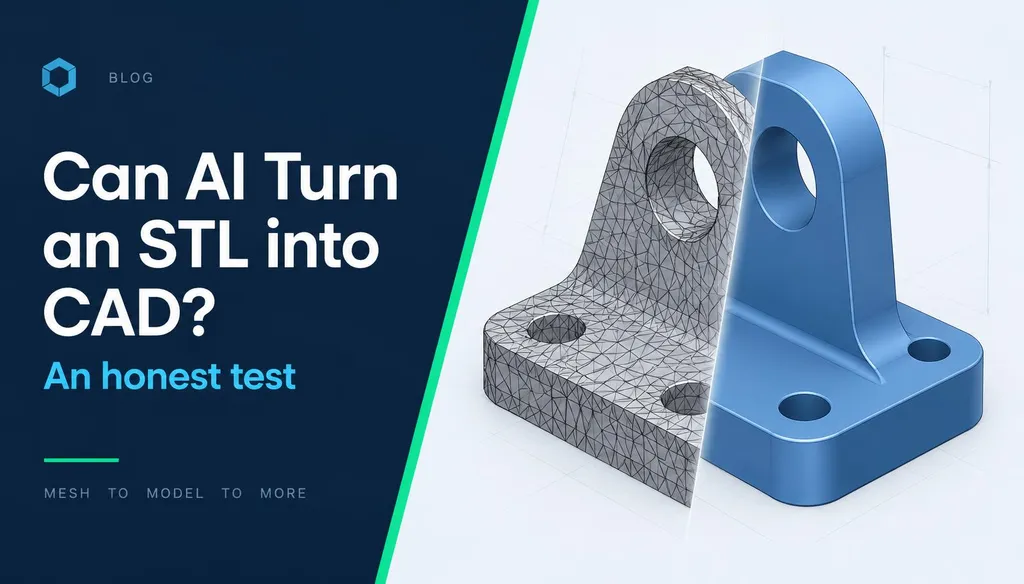
Every few weeks someone asks: can I just give AI my STL and get a STEP file back? We built the CADfinity AI Reverse Engineering tool and tested it, and other approaches, on real scan meshes. Short answer: AI is now good at understanding a part and planning the model, but a parametric, editable CAD file still needs an engineer.
§ Why STL to CAD is hard
An STL is only triangles — no planes, cylinders, dimensions or design intent. A CAD model is a history of features: sketch, extrude, hole, fillet, pattern. Going from one to the other means deciding what the designer meant, not just what the scan shows: is that 9.97 mm hole really a 10 H7?
§ What we tested
- A simple 40×20×10 mm block (sanity check)
- A machined bracket with holes, fillets and a pocket
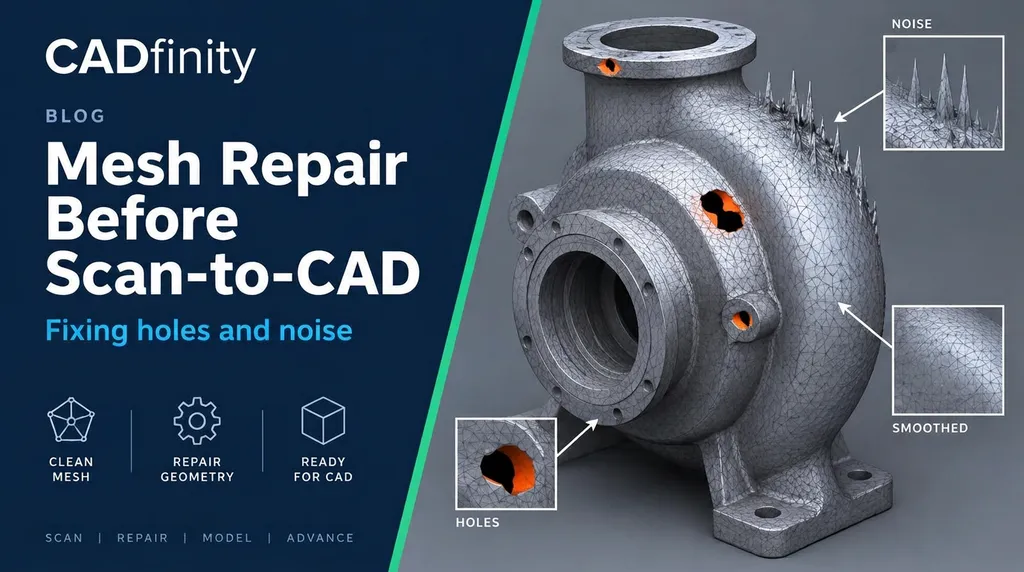
- A cast pump housing scan with noise and small holes
- An organic handle
| Task | AI result | Verdict |
|---|---|---|
| Identify the part type | Correct on all four | Reliable |
| List main features (holes, bosses, ribs) | Most features found; missed small chamfers | Good |
| Suggest material & process | Plausible (cast Al, machined steel) | Good starting point |
| Step-by-step CAD plan | Logical order, datum choice sensible | Very useful |
| Exact dimensions & tolerances | Rounded estimates only | Measure yourself |
| Editable STEP output | Not produced | Still manual |
§ Where 'auto-surfacing' fits
Tools like Geomagic Design X Auto Surface or Quicksurface can wrap a mesh in NURBS patches and export a STEP. It's a solid, but a 'dumb' one — no features, no editable dimensions. Fine for organic shapes, visualization or 3D printing; poor for anything you'll need to modify or manufacture to tolerance.
§ Where AI genuinely saves time
- Triage — tell a customer in a minute if a job is simple prismatic, mixed or freeform.
- Planning — the order of features and which datum to align to.
- Quoting — a quick difficulty and time estimate before opening any CAD software.
- Learning — students see how an experienced modeler would break a part down.
Was this helpful?
Take it further
Have a part like this? Or want to learn the workflow yourself?