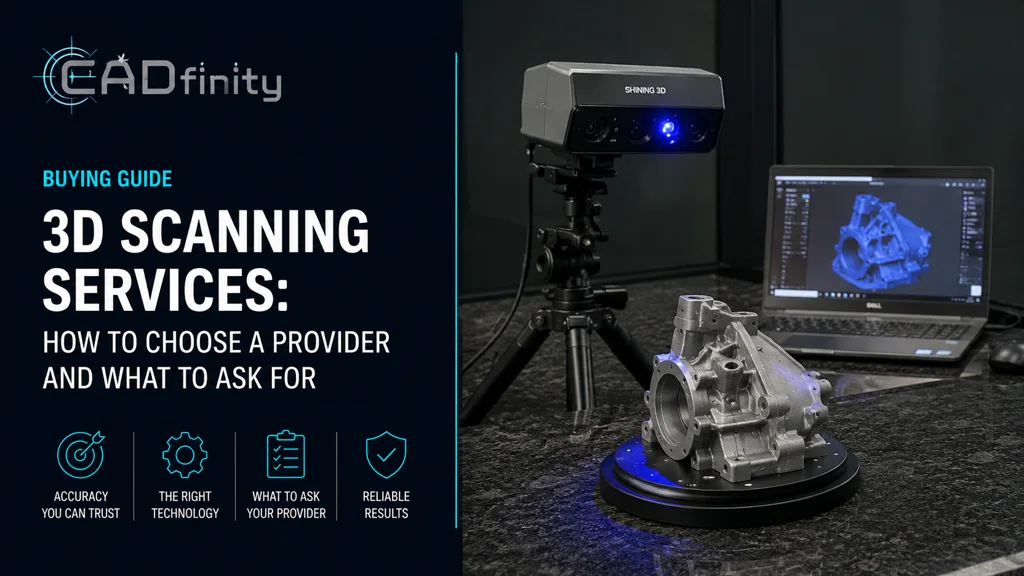
Choosing a 3D scanner is less about chasing the highest accuracy number on a spec sheet and more about matching the tool to the job. Buy too little and you fight the scanner on every project. Buy too much and you spend three times what you needed for a 0.02 mm spec you'll never verify. This guide walks the decision the way we do for clients in the GCC every week, with a focus on the SHINING 3D lineup — the platform we trust and recommend.
§ The 6-question decision framework
Before opening any spec sheet, answer these six questions. Most buyers skip this step and end up returning the scanner within a quarter.
- What is the smallest detail you must capture, in millimeters? Your required accuracy is roughly 1/3 of that.
- What is the largest part you will scan in a single setup? This drives field of view and tracking method.
- What materials? Dark, shiny, or transparent surfaces require blue laser, multi-line, or spray.
- Will the scanner travel? Cable, weight, and tracking targets matter for site work.
- What software ecosystem do you already use — SOLIDWORKS, Geomagic, PolyWorks?
- Do you need a certified accuracy report (VDI/VDE 2634), or is typical accuracy enough?
§ The three tiers, side by side
Almost every buyer falls into one of three buckets. Identify yours before comparing individual models.
| Tier | Typical accuracy | Point distance | Light source | Ideal user |
|---|---|---|---|---|
| Hobbyist / Maker | 0.10 – 0.30 mm | 0.10 – 0.50 mm | VCSEL infrared | Cosplay, 3D printing, art, education |
| Professional | 0.04 – 0.10 mm | 0.05 – 0.20 mm | Hybrid blue LED + IR or blue laser | Reverse engineering, prototyping, design firms |
| Metrology-grade | Up to 0.020 mm (certified) | 0.010 – 0.050 mm | Multi-line blue laser, structured light | QC, aerospace, automotive inspection |
§ Pick your audience-specific guide
We wrote a dedicated comparison for each tier. Read the one that matches you — it has model-by-model spec tables and the trade-offs we explain to clients face-to-face.
- Hobbyist & makers — RockIt, Einstar Vega, Einstar 2 and how they compare to Revopoint, Creality, 3DMakerPro.
- Professionals — EinScan Rigil and EinScan Medixa for reverse engineering, prototyping, automotive aftermarket, and orthotics & prosthetics.
- Metrology-grade — FreeScan Combo+, FreeScan UE Pro2, FreeScan Omni and FreeScan Trak Nova for certified inspection per VDI/VDE 2634 & ISO 10360.
§ Three mistakes we see every month
- Buying for the most demanding job you might ever do, instead of the job you do every week.
- Ignoring software cost — a Geomagic Design X bundle often outweighs the difference between two scanner candidates. Compare the full stack, not just the hardware.
- Forgetting consumables — markers, calibration plates, and spray add up over 12 months.
Was this helpful?
Take it further
Have a part like this? Or want to learn the workflow yourself?