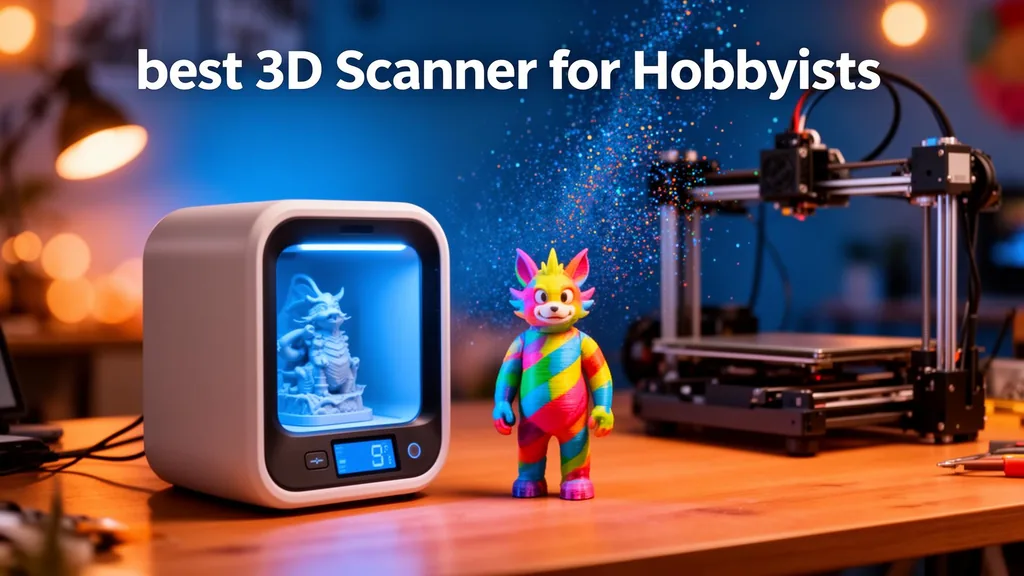
If your scanning is for fun, for personal 3D printing, or for small commercial side-projects, you don't need metrology-grade precision. You need a scanner that is easy to learn, forgiving on real-world surfaces, and big enough for the parts you actually put in front of it. We kept this guide to three SHINING 3D machines we work with every week: the Einstar RockIt, the EinScan Rigil, and the EinScan Trak. They cover the whole range from a first scanner on a desk to a car panel in a workshop.
§ Quick picks at a glance
| If you… | Buy | Why |
|---|---|---|
| Scan props, helmets, busts, shoes for 3D printing | Einstar RockIt | Marker-free, colour texture, free software, forgiving on organic shapes |
| Reverse-engineer brackets and machined parts | EinScan Rigil | Blue-laser edges to 0.02 mm — survives a deviation check |
| Take paid jobs on site, away from a laptop | EinScan Rigil | Standalone compute, screen and battery |
| Scan cars, bikes, furniture, hulls | EinScan Trak | Optical tracking removes marker prep and alignment drift |
| Only scan occasionally for fun | Einstar RockIt | Lowest total cost of ownership at this tier |
§ What 'good enough' means at this tier
For hobbyist work, accuracy in the 0.1 – 0.3 mm range is plenty. A 3D printer with a 0.4 mm nozzle cannot reproduce finer detail than that anyway. What actually matters here: how quickly the scanner locks on and stays aligned, whether you need markers for everyday objects, how large a single pass covers, and how painless the software is on the way to a printable or CAD-ready mesh.
§ Einstar RockIt vs EinScan Rigil vs EinScan Trak
All three are SHINING 3D. They are not competing for the same buyer — they are three answers to the question "how big and how demanding is the thing I scan most?" Figures below are from the manufacturer datasheets at the time of writing; confirm before purchase.
| Spec | Einstar RockIt | EinScan Rigil | EinScan Trak |
|---|---|---|---|
| Tier | Entry hobbyist / maker | Prosumer to professional | Large-part / optical tracking |
| Capture technology | VCSEL infrared structured light | Blue laser (crossed + parallel lines) + IR VCSEL | Optical tracking with handheld laser scanning |
| Accuracy (typical) | Up to 0.05 mm | Up to 0.02 mm (Laser HD) | Volumetric accuracy over large volumes |
| Point distance | 0.1 – 2 mm | Laser HD 0.05 – 10 mm | IR Rapid 0.2 – 10 mm | 0.05 mm and up depending on mode |
| Single-pass coverage | 560 × 450 mm | Wide-area, mode dependent | Whole vehicles, panels, tooling |
| Working distance | 200 – 1000 mm | Laser HD 170 – 550 mm | IR Rapid 160 – 1500 mm | Metres — tracker mounted on a tripod |
| Markers needed? | No | Marker-free laser scanning supported | No stick-on markers — the tracker follows the scanner |
| Standalone (no PC)? | No | Yes — built-in compute, screen and battery | No — workstation driven |
| Colour texture | Yes | Yes (5 MP camera) | Geometry focused |
| Software | EXStar (free) | EinScan Rigil App + EXScan Rigil | EXScan workflow into Geomagic |
| Best for | First scanner, props, helmets, busts, print-and-go | Mechanical parts and scan-to-CAD side work | Cars, bikes, furniture, large restorations |
§ Einstar RockIt — the one most makers should buy
The RockIt is the most accessible way into SHINING 3D quality. VCSEL infrared structured light means no laser-safety habits to learn, no stick-on markers for everyday objects, and a forgiving 200–1000 mm working distance that tolerates a wobbly hand. Colour texture comes as standard and EXStar is free, so the price on the box is close to the price you actually pay over three years. It is at its best on organic, human-scale objects: helmets, busts, props, shoes, seats, and broken plastic parts you want to reprint by tomorrow. Shiny metal and deep black plastic still want a light dusting of scanning spray.
§ EinScan Rigil — when hobby turns into paid work
The Rigil is what you buy when someone starts paying for your scans. It carries its own compute, screen, storage and battery, so you can scan untethered in a workshop and dock to a workstation later for the heavy processing. The hybrid light source is the real reason to move up: crossed and parallel blue laser lines for hard geometry and sharp edges down to 0.02 mm, plus an IR Rapid mode when you just want a fast full-object pass. If your work is machined brackets, engine parts, moulds or anything destined for a CAD model with tolerances, this is the first machine in the SHINING 3D line that survives a deviation check.
§ EinScan Trak — when the part is bigger than your bench
The Trak swaps stick-on markers for an optical tracker on a tripod that watches the handheld scanner in space. That solves the problem every large scan eventually hits: alignment drift across metres of surface. You point, you scan, and the tracker keeps everything in one coordinate frame — no marker cleanup afterwards, no ruined afternoon when a panel shifts. It is overkill for a desk, and exactly right for car bodies, motorcycle frames, boat hulls, furniture and large restoration work where a marker-based workflow would take longer to prepare than to scan.
§ Real use cases at this tier
- Cosplay and props — body and helmet scans for armour that fits the wearer perfectly (RockIt).
- 3D printing replacements — scan a broken bracket, print a copy by tomorrow (RockIt).
- Paid scan-to-CAD side work — mechanical parts with edges and tolerances (Rigil).
- Custom-fit projects — orthotics, ergonomic grips, helmet liners, motorcycle seats (RockIt or Rigil).
- Vehicle and furniture restoration — full-body capture without marker prep (Trak).
§ How to choose in one line each
- Einstar RockIt — your first scanner. Organic, human-scale objects, 3D printing, fastest path to a usable mesh on day one.
- EinScan Rigil — mechanical parts, sharp edges, scan-to-CAD, and untethered scanning when clients are involved.
- EinScan Trak — anything measured in metres, where marker prep and alignment drift are the real cost.
§ What a hobby scanner really costs to own
The sticker price is rarely the whole number. Budget for scanning spray and markers (a recurring consumable if you scan shiny or black parts), a laptop or workstation that can actually hold the point cloud, and — the big one — mesh-to-CAD software if you intend to model anything parametric. Free software such as EXStar handles capture and export beautifully, but converting a mesh into a solid you can edit is a separate tool and a separate skill. Factor those three lines in before comparing two scanners on price alone.
§ Questions we get asked every week
How accurate does a hobbyist scanner need to be? For 3D printing, 0.1–0.3 mm is plenty — an FDM printer with a 0.4 mm nozzle cannot reproduce finer detail. Chase 0.02 mm only when the output is a dimensioned CAD model.
Can you scan black or shiny objects? Not reliably without help. A light dusting of removable scanning spray fixes it in seconds on every scanner in this guide; no consumer machine reads gloss black or polished metal cleanly.
Can you 3D print straight from a scan? Yes for organic and decorative parts — clean the mesh, close holes, export STL. No for functional mechanical parts, where you should rebuild the geometry in CAD so holes, threads and mating faces are exact.
Phone scanning vs a dedicated scanner? Photogrammetry and phone-LiDAR apps are fine for shape reference and visual models. They fall apart on featureless surfaces, small parts and anything needing repeatable dimensions — which is the whole reason to buy hardware.
Was this helpful?
Take it further
Have a part like this? Or want to learn the workflow yourself?