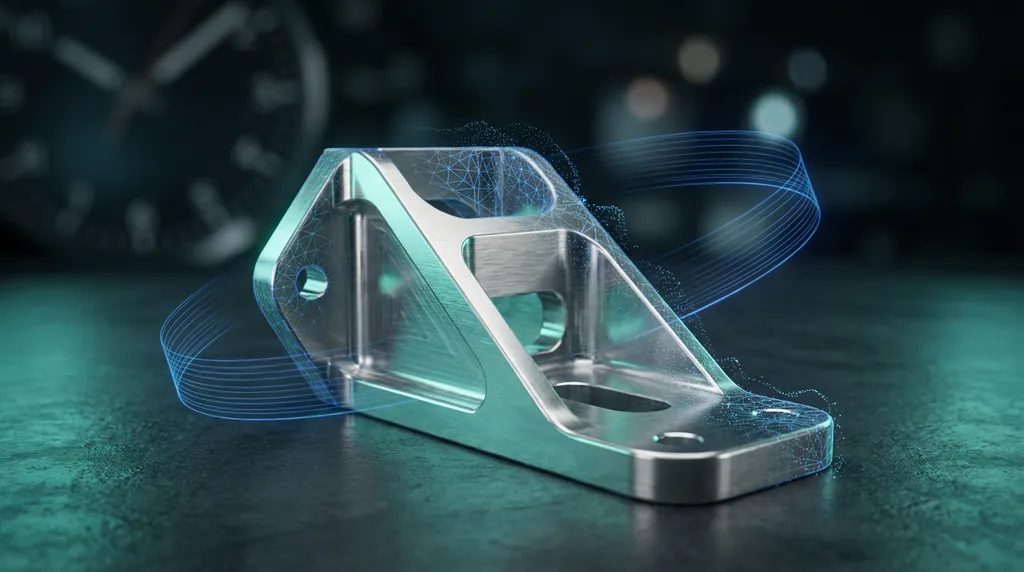
A tier-one aerospace supplier called on a Friday afternoon. A structural bracket on a long-lifecycle airframe was no longer in production, the original CAD had been lost in a vendor transition twenty years ago, and the next aircraft on the line needed it the following Wednesday. We had 72 working hours to deliver a fully parametric STEP model and a first-article inspection report that could survive an AS9102 audit. Here is exactly how that played out.
§ The brief
Three physical samples arrived by overnight courier: one new-old-stock part still in its original wrapper, one in-service part removed at the last C-check, and one that had failed inspection for surface corrosion. The customer needed the new-old-stock part captured as the master, with deviation analysis on the other two for engineering's records. The deliverables were a parametric STEP, a 2D drawing with full GD&T, and a populated AS9102 Form 3.
§ Scan plan (Hour 0–6)
- Bagged the corrosion sample for chain-of-custody and set it aside; we wouldn't touch it until the master was locked.
- Set the new-old-stock part on a rotary stage with three reference spheres positioned to triangulate alignment across all six setups.
- Captured with a FreeScan Trio at 0.05 mm point spacing on the critical mating faces, 0.15 mm on non-functional surfaces. Total acquisition time: 38 minutes including coordinate-system definition.
- Verified scan completeness with a quick Accuracy Analyzer pass before releasing the part back to the customer's shipping desk.
§ Mesh preparation (Hour 6–14)
The raw mesh came in at 11.2 million triangles. We decimated to 1.8 million with a curvature-priority sampling pass, then ran selective smoothing only on regions that the deviation map confirmed as scan noise rather than real surface texture. Reference spheres were extracted as primitives and used to lock the alignment to the customer's coordinate system from the legacy drawing — a partial 2D drawing existed, just no 3D model.
§ Datum strategy
This is where AS9102 work lives or dies. We extracted the primary datum from the largest mating face (a planar surface that bolts to a rib), the secondary from the longest edge of the mounting flange, and the tertiary from a counterbored hole pattern. Every subsequent feature was built referencing this DRF, so the eventual deviation report would speak the same language as the audit checklist.
§ Parametric reconstruction in Design X (Hour 14–48)
We rebuilt the bracket as a clean feature tree: base extrusion from the primary face, mounting flange as a second extrusion, web pocketing as boolean subtractions, and three lightening holes as a single patterned feature. Fillets were extracted from the mesh using Mesh Fit on the larger transitions and modeled parametrically on the small consistent radii. Every feature was named and grouped so the customer's engineering team could open the tree and edit it without our help.
§ Closed-loop validation in Control X (Hour 48–60)
The reconstructed STEP was loaded into Geomagic Control X and compared back to the original master scan. Result: 99.4% of surface points within ±0.05 mm, worst-case deviation of 0.11 mm on a non-functional fillet. Every GD&T callout from the legacy drawing was checked against the model and the scan in the same report. Three callouts had to be tightened to match the actual repeatable geometry; one was loosened where the original drawing was unrealistically tight for a cast-and-machined feature.
§ FAI report and handoff (Hour 60–72)
Form 1 (part identification), Form 2 (raw material and process certifications referenced from customer-supplied documentation), and Form 3 (characteristic accountability) were generated directly from the Control X report, then formatted to the customer's house template. The 2D drawing was produced from the Design X model in SolidWorks via Live Transfer, with the full DRF and all toleranced features called out.
§ Final deliverables
- Parametric STEP AP242 model with editable feature tree
- 2D drawing (PDF + native) with full GD&T per ASME Y14.5
- AS9102 Forms 1, 2, and 3, populated and signed
- Deviation report on all three samples (master, in-service, corrosion)
- Raw and decimated meshes archived for the customer's PLM
§ What 72 hours teaches you
Speed on a job like this comes from preparation, not heroics. The scan plan was decided before the parts arrived. The datum strategy was decided before we touched Design X. The report template was already configured in Control X. By the time we were modeling, every downstream decision had been made on paper. That's the difference between a 72-hour delivery and a 72-hour scramble.
Was this helpful?
Take it further
Have a part like this? Or want to learn the workflow yourself?