Both PolyWorks|Inspector and Geomagic Control X are excellent metrology platforms. After running thousands of inspection projects across both, we have a clear view of where each one earns its license fee — and where it quietly costs you time. This is not a feature checklist. It's the comparison we wish someone had given us before we standardized.
§ Probing workflow
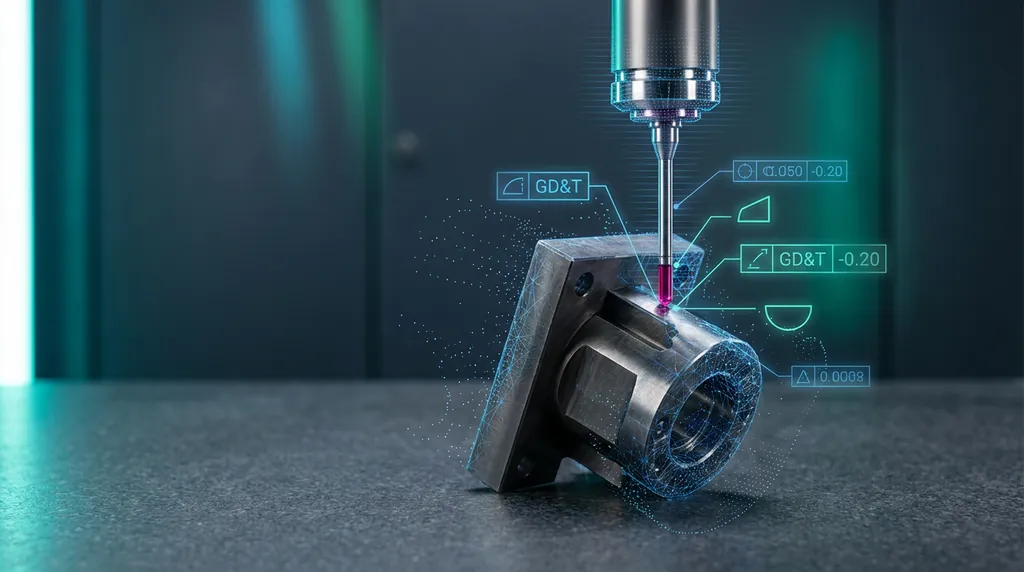
PolyWorks was born on portable arms and CMMs, and it shows. Probe sequences, guided measurements, and macro-driven repeat inspections feel native — operators move through a fixture-mounted part with almost no friction. Control X handles probing competently, but the workflow assumes you'll spend most of your time in scan data; the probing UI is functional rather than refined.
If 60% or more of your inspection volume is hard-probed on a CMM or arm, PolyWorks will be measurably faster — usually by 20–30% on repeat parts.
§ Scan-based inspection
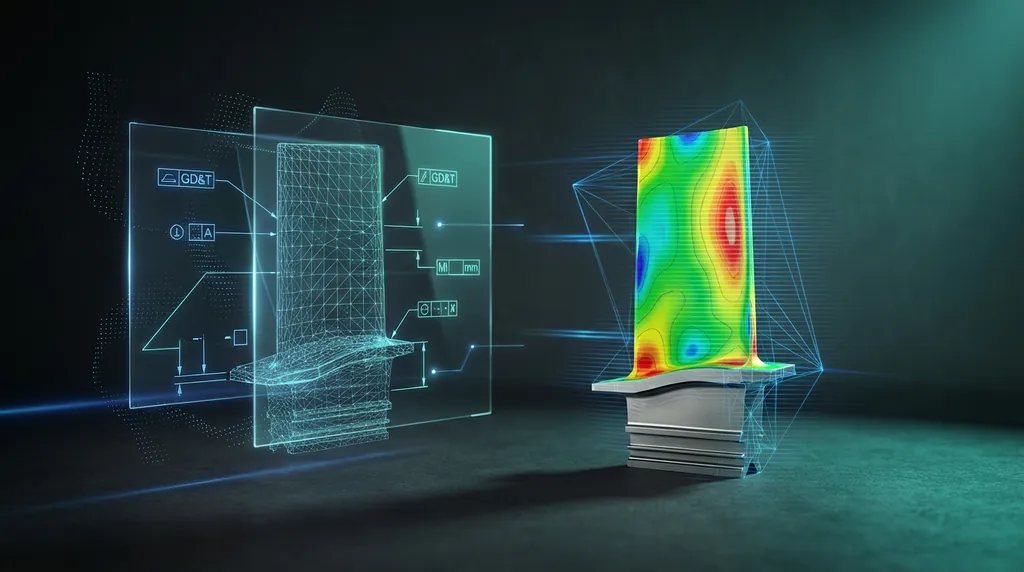
Control X is the inverse. It was built around scan data from day one, and it shows in every interaction: alignment to CAD is faster, color-map deviation analysis is more readable, and feature extraction from mesh is more forgiving on noisy scans. PolyWorks closed most of this gap with its scan modules, but Control X still feels like the more natural environment for STL-driven inspection.
§ GD&T and reporting
PolyWorks has the most powerful templated reporting engine in the industry, full stop. If your customers expect identical-looking PDF reports across thousands of FAIs, PolyWorks will save you days of formatting work per program. Control X reports look modern and are easy to customize, but heavy-duty templating with conditional formatting, multi-page layouts, and customer-specific branding is where PolyWorks pulls ahead.
§ Automation and macros
- PolyWorks: full macro language (similar in feel to Python), deep integration with shop-floor automation, mature CMM driver support. Best-in-class for high-volume repeat inspection.
- Control X: easier to learn, very good for batch comparison and one-off scripted reports, but the automation ecosystem is smaller. Better fit for R&D and mixed workloads.
§ Licensing and total cost of ownership
Both vendors licence by module and by node. PolyWorks tends to carry a heavier per-seat footprint once you stack CMM, scan, and reporting modules together — but it amortizes well in production environments where the same template runs on thousands of parts. Control X is generally simpler to licence and easier to scale across a small team, especially if you only need scan-based inspection.
§ Learning curve
Control X reaches a productive baseline faster. A new inspector can produce a credible scan-vs-CAD deviation report in their first week. PolyWorks demands more upfront investment — there's a real learning curve on probing sequences, alignment workflows, and the macro environment — but the ceiling is higher.
§ Ecosystem and CAD compatibility
Both platforms read every major CAD format. PolyWorks has stronger ties to portable metrology hardware vendors (FARO, Hexagon, Creaform, API). Control X benefits from the broader 3D Systems ecosystem — most notably tight roundtripping with Geomagic Design X, which is a real productivity win if you're doing reverse engineering and inspection on the same parts.
§ The decision matrix
- Choose PolyWorks if: most of your work is hard-probed CMM/arm, you ship templated production reports at volume, you have automation engineers on staff, or you're standardizing across a multi-site QA org.
- Choose Control X if: most of your work is scan-based, you do reverse engineering alongside inspection (especially with Design X), your team is small, or you need short ramp-up time on new hires.
- Run both if: you have distinct production-QA and R&D groups with different volumes and skill profiles. Both vendors offer single-seat licensing that makes this practical.
§ There is no wrong answer — only a wrong fit
Either platform, used well by a trained team, will outperform the other platform used poorly. The question to answer first is not 'which software,' but 'what does our weekly inspection workload actually look like in five years.' Pick the suite whose strengths match that future, then invest seriously in training. Software is the cheap part.
Was this helpful?
Take it further
Have a part like this? Or want to learn the workflow yourself?